We have a New Church App!

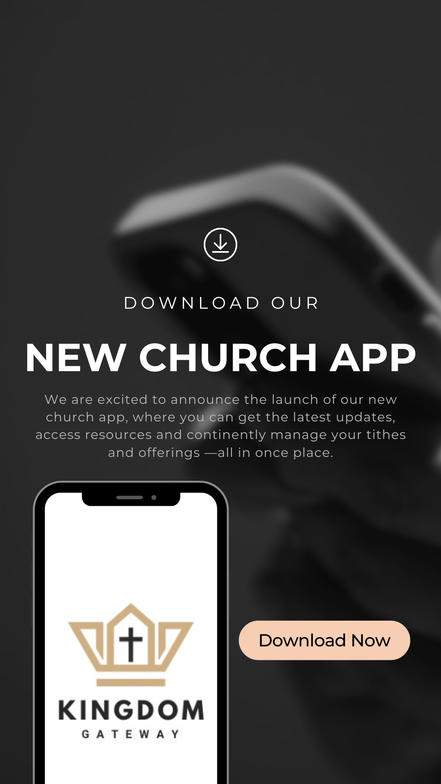
Stay connected with everything happening in our church. Get the latest updates, listen to podcasts, explore resources, view upcoming events, share prayer requests on our Prayer Wall, and easily manage your tithes and offerings—all in one convenient place.
Click here to download the 'Kingdom Gateway Au Inc' App now!
How to Download Our Church App
Follow the steps below to download and access our church app:
Step 1: Download the Tithely App
-
On your smartphone, open the App Store (iPhone) or Google Play Store (Android).
-
Search for “Tithely”.
-
Download and install the Tithely App.
Step 2: Open the Tithely App
-
Once installed, open the Tithely app on your device.
-
You may be prompted to create an account or log in. You can do this now or later.
Step 3: Search for Our Church 'Kingdom Gateway AU Inc'
-
Tap the Search icon (or “Find a Church”).
-
Type in 'Kingdom Gateway AU Inc' and select it from the results.
Step 4: Access the Church App
-
After selecting our church, you’ll be able to access our church app features, including updates, giving, prayer wall requests, upcoming events, and podcasts/deovtions.
Step 5: Add the App to Your Home Screen (Optional)
-
For quicker access, follow the prompts within Tithely to add the church app to your home screen, so it functions like a regular app on your phone.
That’s it! You’re now connected and can enjoy everything our church app has to offer.